

AssemblyAI API Postman collection
Quickstart
1
Open the AssemblyAI API collection in Postman and click the Fork button. This will create a copy of the collection that you can edit.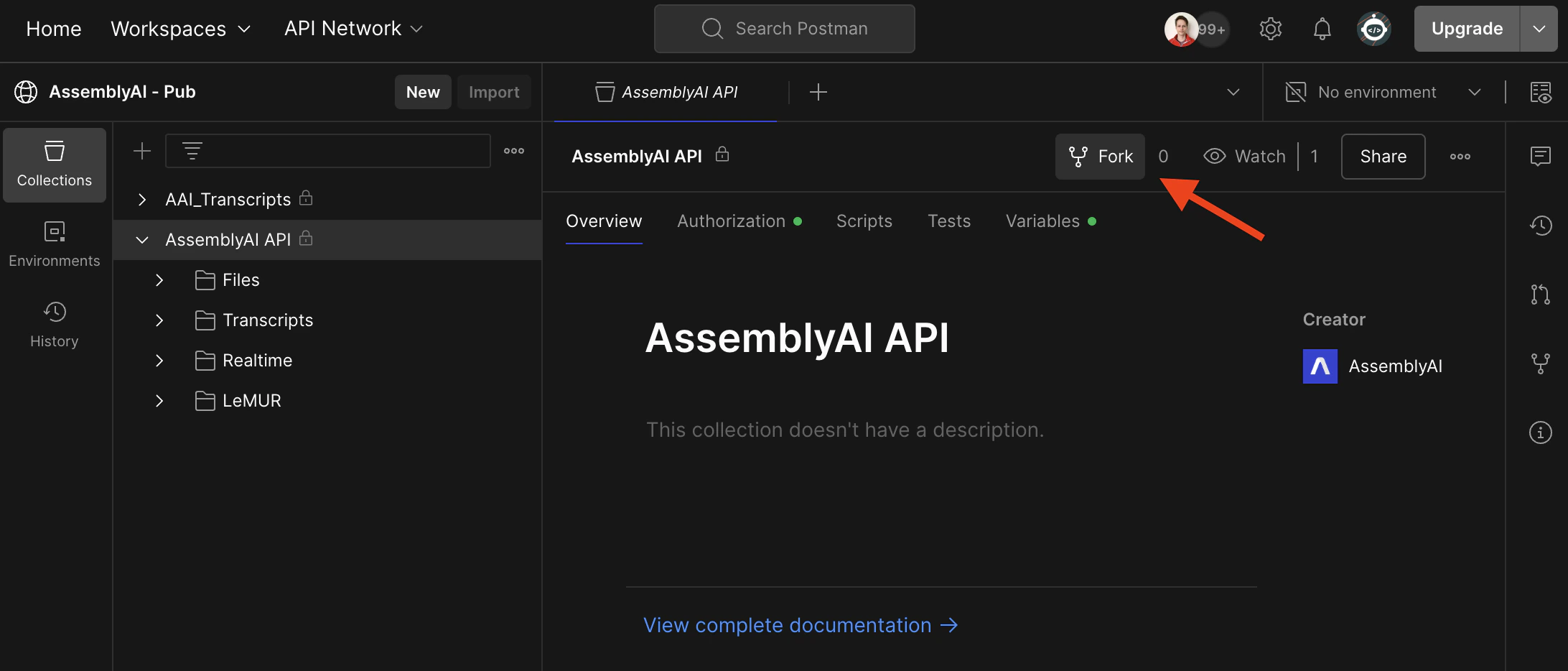
2
Next, click on the Variables tab and configure the 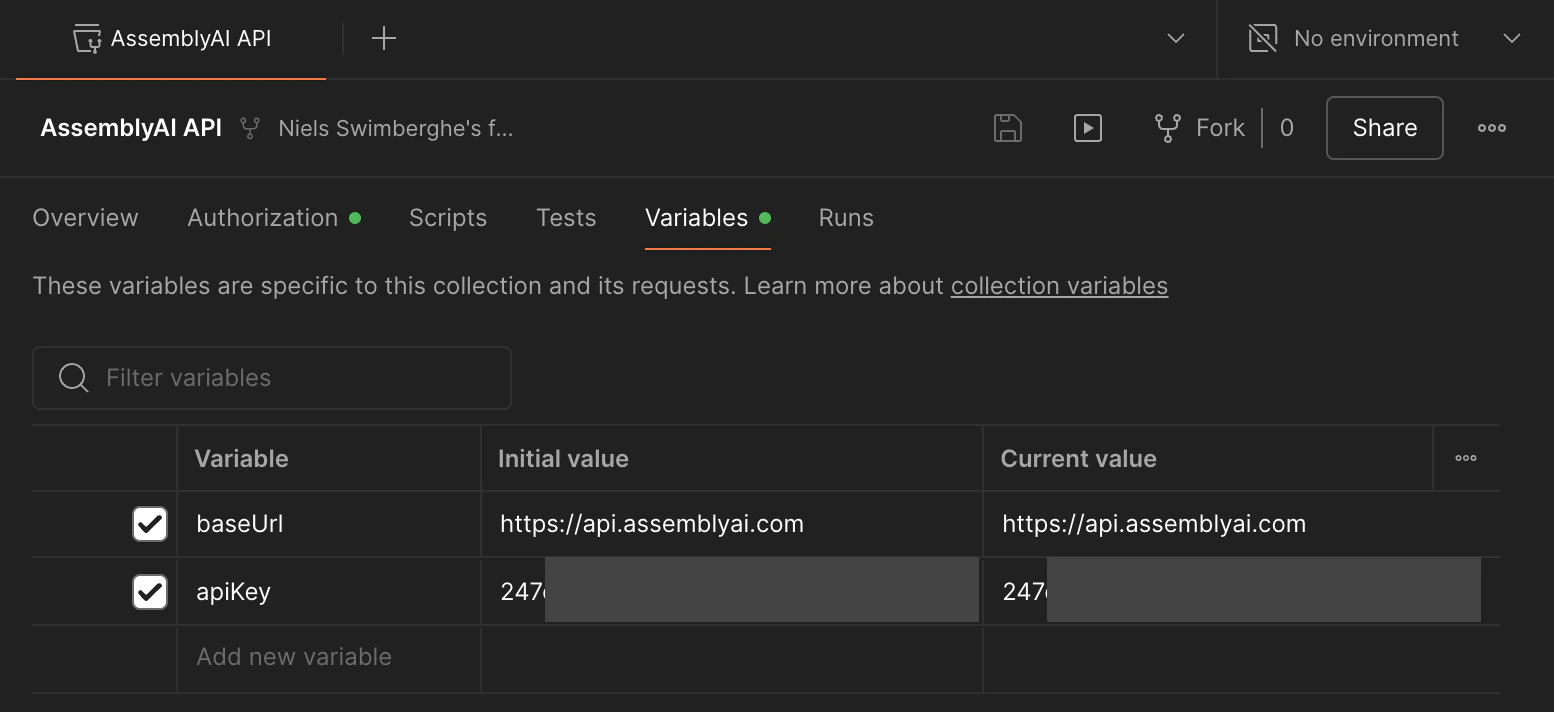
apiKey variable with your AssemblyAI API key.
You can find your AssemblyAI API key in the AssemblyAI dashboard.3
Let’s upload an audio file: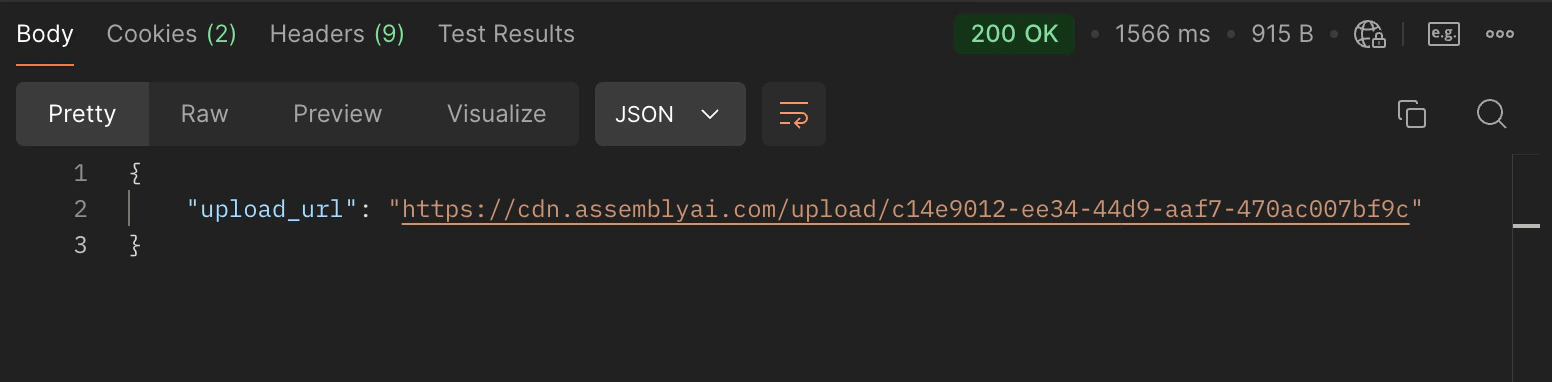
- Open the Files > Upload a media file request
- Switch to the Body tab
- Change the dropdown from none to binary
- Select an audio file of your choosing, or download this sample audio file
-
Click the Send button
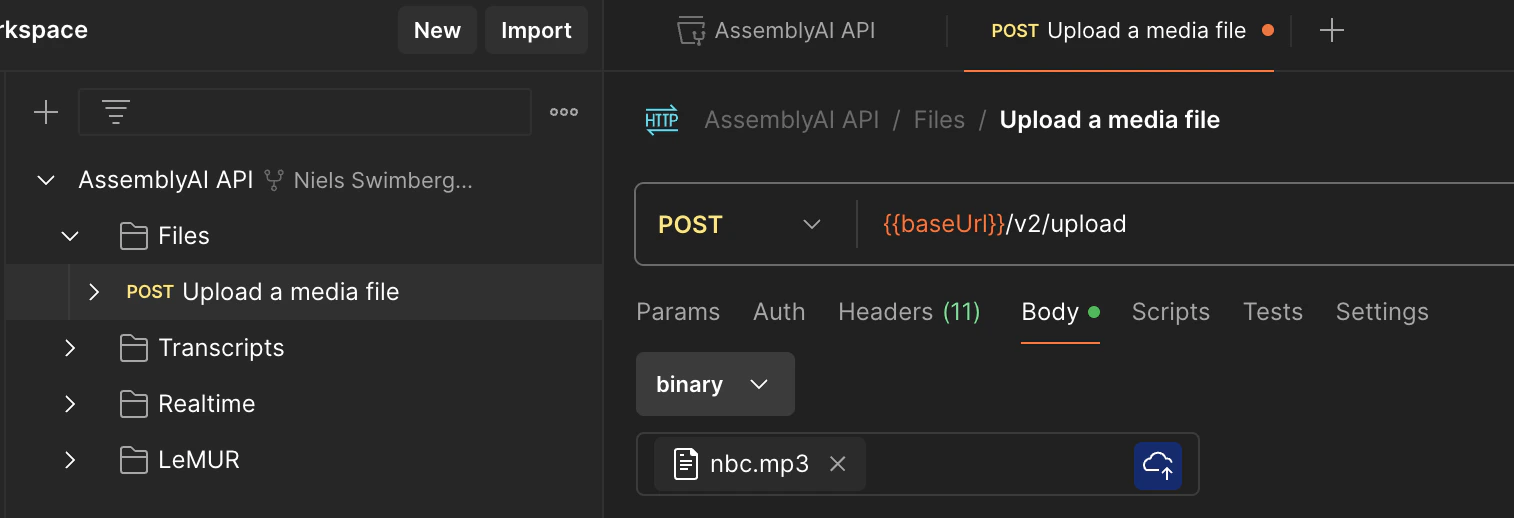
upload_url value.4
Now that the audio file is uploaded, you can transcribe the audio file.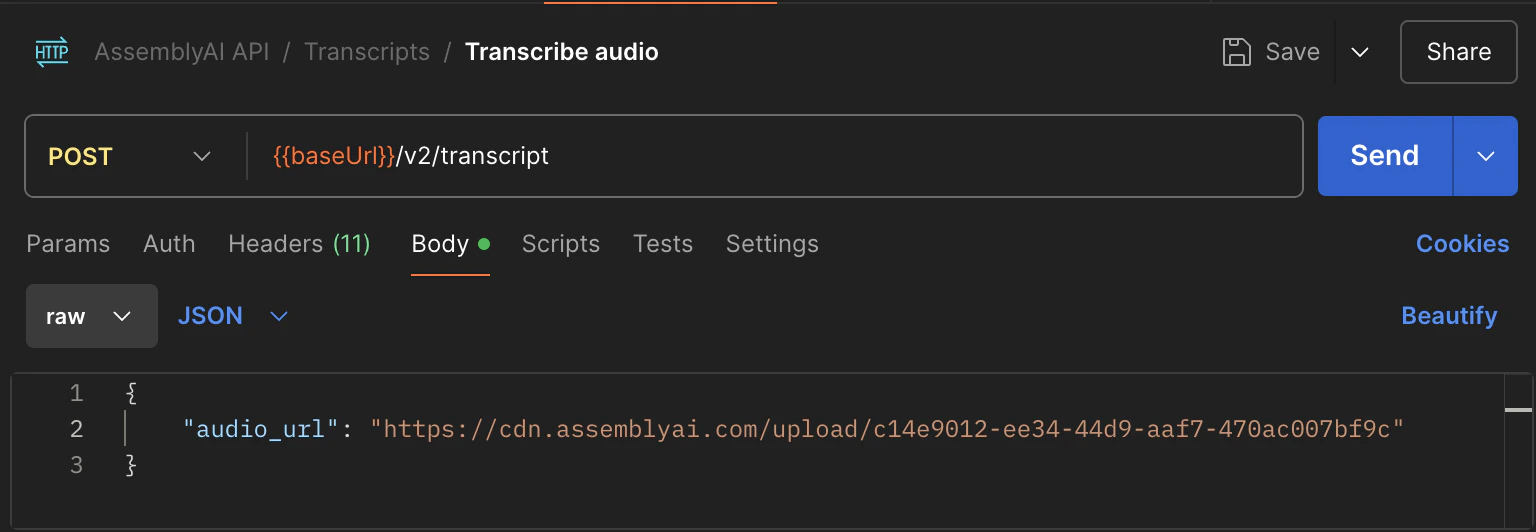
- Open the Transcripts > Transcribe audio request
- Switch to the Body tab
-
Find the
audio_urlproperty and update it to theupload_urlvalue from the previous request. - Remove all the other properties. Optionally, you can leave any property that you do want to use.
-
Click the Send button
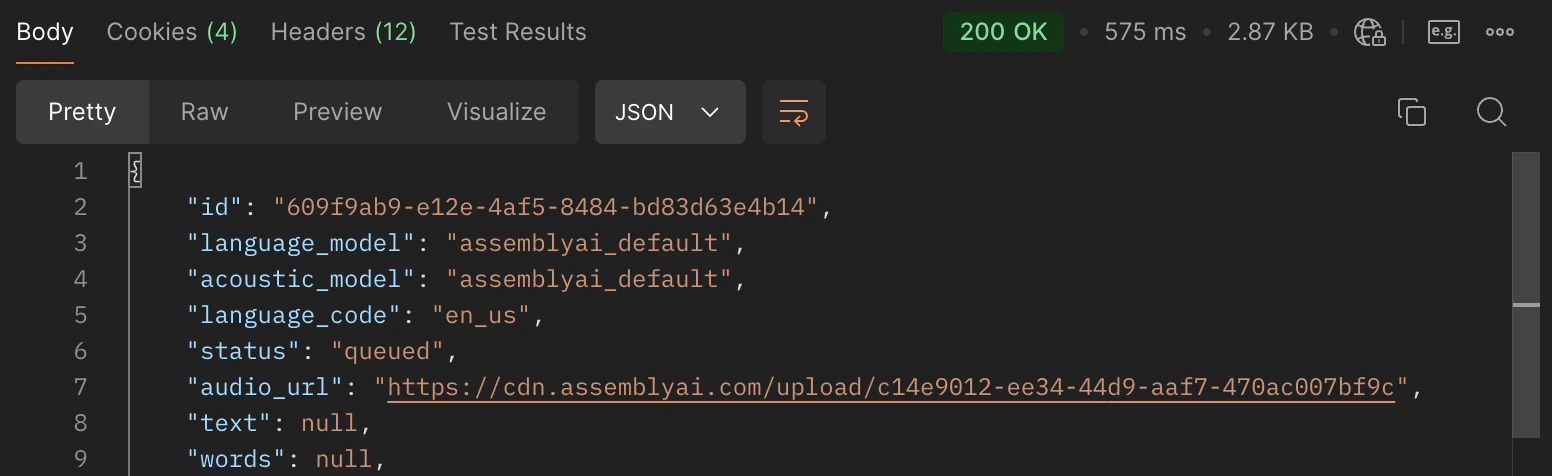
id value.5
The transcription job will take longer depending on the duration of the file.
You need to check the
status property to check if a transcript is ready.
The status typically goes from processing to completed. The status can also be queued if the job is waiting to be processed (for example, when you’ve exceeded your rate limit), in which case it will move to processing once a slot is available.
The status can also become error at any point. If an error occurs, you can find the error message under the error property.- Open the Transcripts > Get transcript request
-
Find the
transcript_idunder Path variables and update the value with theidvalue from the previous request. - Remove all the other properties. Optionally, you can leave any property that you do want to use.
-
Click the Send button
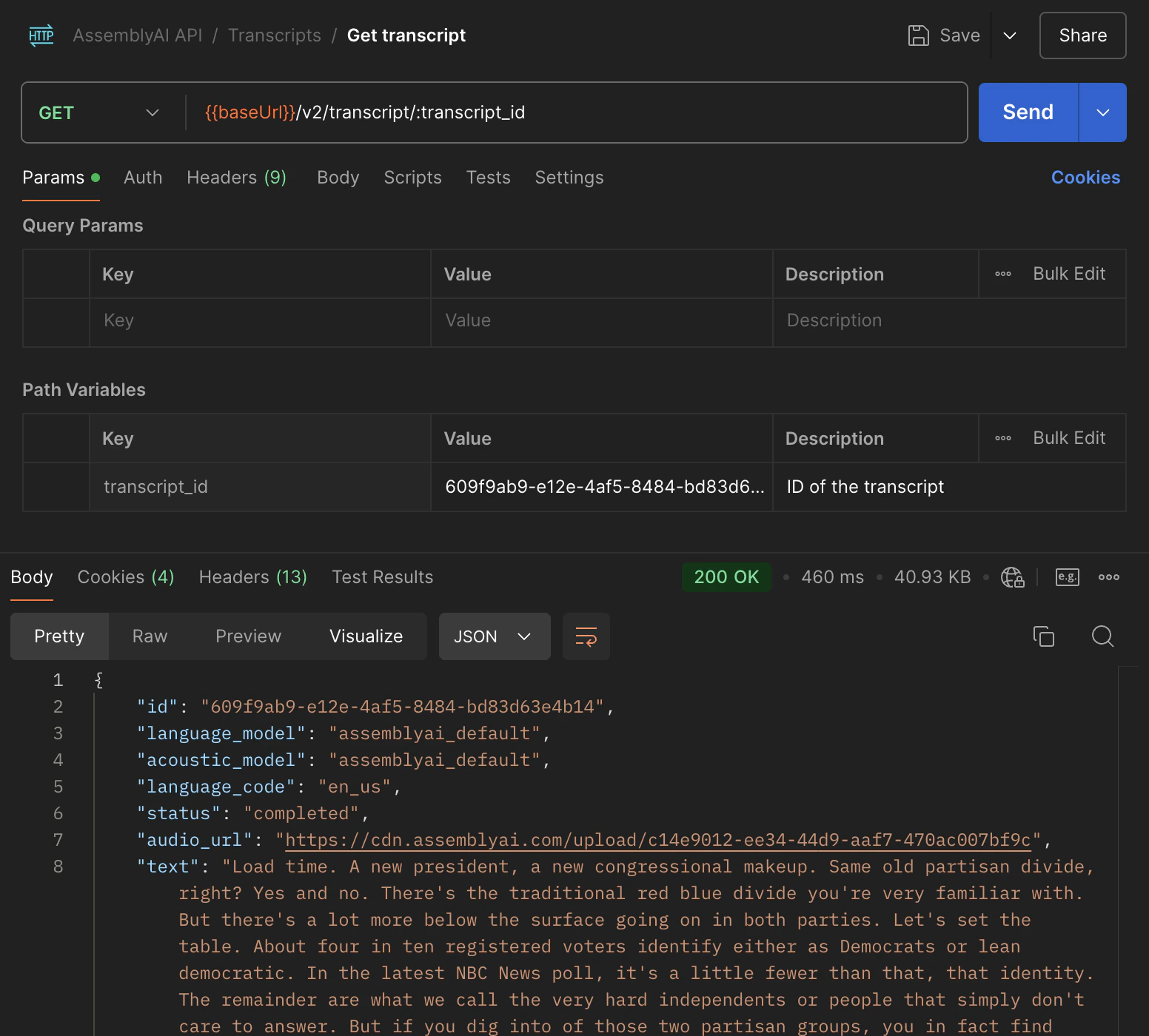
status is completed or error.
If not, resend the request until it is completed or error.6
Now that you have a completed transcript, you can send these other HTTP requests with your current transcript ID:
- Transcripts
- Get subtitles for transcript
- Get sentences in transcript
- Get paragraphs in transcript
- Search words in transcript
- Get redacted audio (if PII audio redaction is enabled)